Building government websites with strict design system rules
Government websites need more than a polished interface. They need accessibility, consistency, auditability, and careful adherence to design system rules.
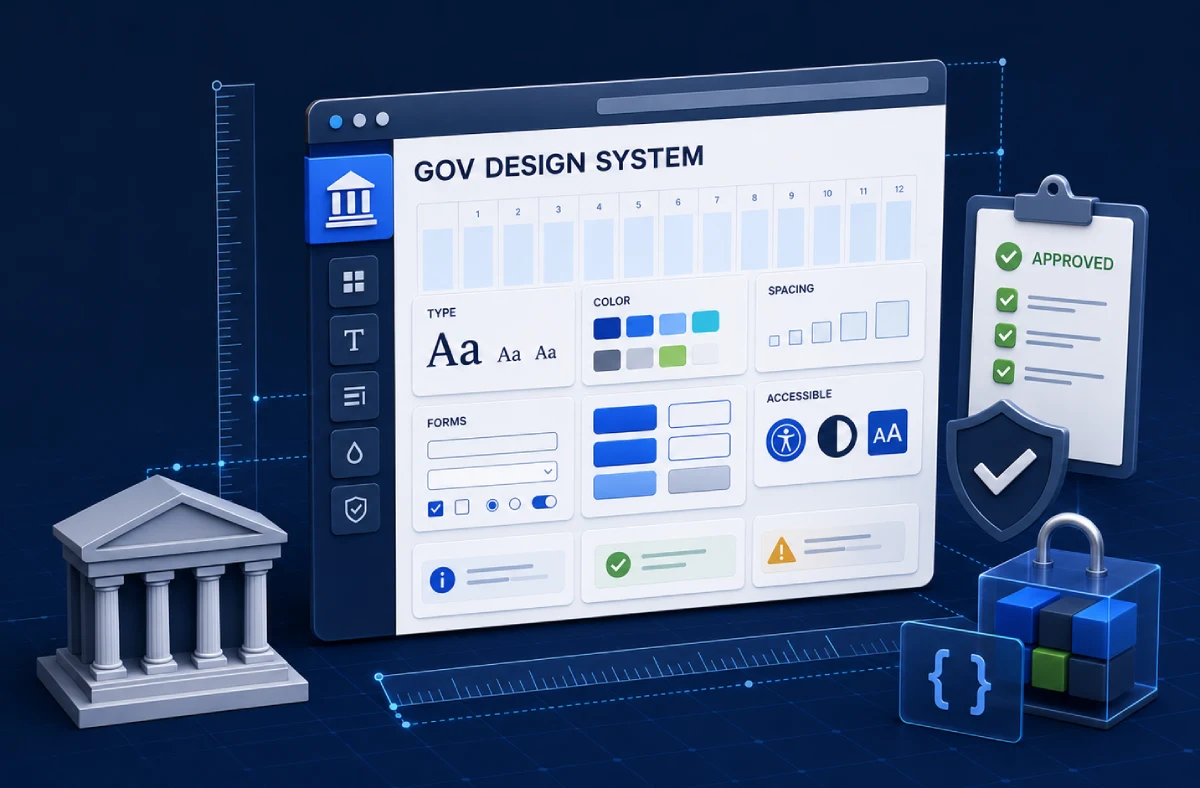
Government websites are not normal marketing websites with stricter branding. They carry public trust, accessibility obligations, procurement constraints, content governance, and design system rules that often leave little room for improvisation.
That does not make them boring. It makes them precise.
A public-sector website or digital service should help people complete tasks without needing to understand the agency behind the service. It must be usable by people with different devices, abilities, languages, literacy levels, and levels of stress. It must also look and behave consistently with the wider government ecosystem so visitors know they are in the right place.
For developers, the challenge is not only making a page match a design file. The challenge is building an implementation that respects the system, survives audits, and remains maintainable after launch.
Design systems are governance tools
A design system is often described as a component library, but in government work it is also a governance tool. It defines how services should look, how components behave, how accessibility is handled, how content is structured, and how teams reduce unnecessary variation.
The U.S. Web Design System describes itself as a design system for the federal government that helps teams build accessible, mobile-friendly government websites. The Government of Canada’s GC Design System provides production-ready components, design tokens, and documentation for modern government services. Canada.ca also has mandatory design elements covering things like domain, styles, headers, footers, and templates.
Those details matter because government users do not experience one isolated project. They move between agencies, forms, programs, benefits, and information pages. Consistency lowers the cognitive load. It helps people trust the service and complete tasks faster.
The developer’s job is controlled interpretation
Strict rules do not remove judgment. They change where judgment happens.
A developer still needs to decide how to implement components in the chosen framework, how to handle content coming from a CMS, how to preserve accessibility when adding custom behavior, how to test across devices, and how to document exceptions. The design system may give the pieces, but the product still has real flows, edge cases, loading states, validation states, error messages, authentication rules, and deployment constraints.
Controlled interpretation means following the design system by default and making exceptions visible. If a project needs a custom component, the team should document why existing components are not enough, what accessibility testing was done, and how the custom piece will be maintained.
This is very different from a commercial redesign where visual differentiation may be a major goal. In public-sector work, differentiation is less important than clarity, trust, and compliance.
Accessibility starts before code
Accessibility cannot be delegated to a final scan. Automated tools are useful, but they cannot prove that a service is easy to use, understandable, or correct for every context.
Government projects should consider accessibility from the first content and UX decisions. Is the language plain enough? Are form labels specific? Are errors tied to fields? Can the flow be completed with a keyboard? Does focus move predictably? Does zoom break the layout? Are color differences supported by text or shape? Are components used according to their documented purpose?
USWDS accessibility guidance discusses Section 508 and WCAG expectations, but it also emphasizes that teams need to test their own implementations. This is the practical lesson: a component library can provide a strong foundation, but a team can still create inaccessible pages by assembling components badly.
The same discipline helps commercial sites. The article on small-business website conversion explains why clarity and low friction matter even when the project is not legally constrained.
Content structure is part of the interface
Government websites often fail because information is organized around departments instead of user tasks. A person does not care which internal office owns a form. They care how to renew a permit, check eligibility, apply for support, submit evidence, or understand a deadline.
A strong build respects the design system while also making content findable. Navigation, breadcrumbs, headings, search behavior, page titles, and related links should match how people look for services. For multilingual government sites, each language version needs equivalent care. Translation quality, terminology, and URL strategy are not small details when people depend on the information.
This is where development, content design, and SEO overlap. A public website still needs crawlable pages, structured headings, clean metadata, and stable URLs. The technical SEO implementation checklist is relevant even when the audience is citizens instead of customers.
Forms are where trust is won or lost
Many government services eventually become forms. Forms are also where public-sector websites become most fragile.
A good form explains what is needed, why it is needed, what format is accepted, what happens after submission, and how the user can recover from mistakes. It preserves entered data when validation fails. It does not hide required information behind vague labels. It works on mobile. It handles assistive technology. It gives confirmation that can be saved or referenced later.
Technical implementation matters heavily here. Validation must happen accessibly. Error summaries should link to fields. Server-side checks should match client-side behavior. File uploads need size, type, and security rules. If the flow includes accounts, permissions, or case status, the project starts to resemble a web app rather than a brochure site.
For that decision boundary, website vs web app is a useful starting point.
Performance is a public access issue
Performance is sometimes framed as an SEO or conversion issue. For government services, it is also an access issue. Not every visitor has a new phone, fast connection, quiet environment, or unlimited time. A page that is technically available but painfully slow can exclude people in practice.
The best public-sector implementations are restrained. They avoid unnecessary animation, oversized images, heavy third-party scripts, and complex client-side behavior unless there is a clear service reason. They use caching carefully, serve optimized assets, and make sure important content appears quickly.
The Core Web Vitals article explains these metrics in business terms, but the same concepts apply to public services: loading, responsiveness, and layout stability affect whether people can complete a task.
Procurement needs evidence
Public-sector teams often need to justify technical decisions to stakeholders, reviewers, or auditors. That makes documentation part of the project, not an afterthought.
A developer should be able to explain the component approach, dependency choices, accessibility testing, browser support, content model, deployment process, security assumptions, and maintenance plan. If the project uses an official design system package, versioning should be clear. If custom code extends it, the boundary should be clear.
This is one reason governments, agencies, and contractors should look for developers who can work inside constraints. The best person for the job is not always the one with the flashiest portfolio. It is often the one who can implement exactly, test thoroughly, communicate clearly, and avoid unnecessary invention.
The hiring article on evaluating a senior freelance developer covers what to look for when precision matters.
The right kind of modern
Government websites can feel modern without feeling experimental. Modern means fast, accessible, responsive, readable, searchable, consistent, secure, and maintainable. It does not require visual novelty on every screen.
For public services, the best interface is often the one people barely notice because it helps them finish the task. The design system provides trust and consistency. The developer’s job is to turn that system into a working service without weakening its guarantees.
That is careful work. It suits teams that are comfortable with standards, audits, details, and long-term ownership.
Have a project in mind?
Get an honest, fixed quote before any work begins.